

An operation that modifies hundreds of records may follow its rules correctly and still affect more data than expected. A generic confirmation—“Are you sure?”—does not make it possible to assess the scope or detect unexpected conditions. A change preview in PHP should show which records would be affected, which values would change, and under what conditions the operation could be executed.
A preview reduces surprises, but does not guarantee that the subsequent execution will produce exactly the same result. Data, permissions, or the scope of the operation may change between the two phases. The design should make that uncertainty visible and revalidate what is necessary before writing.
When a preview adds value
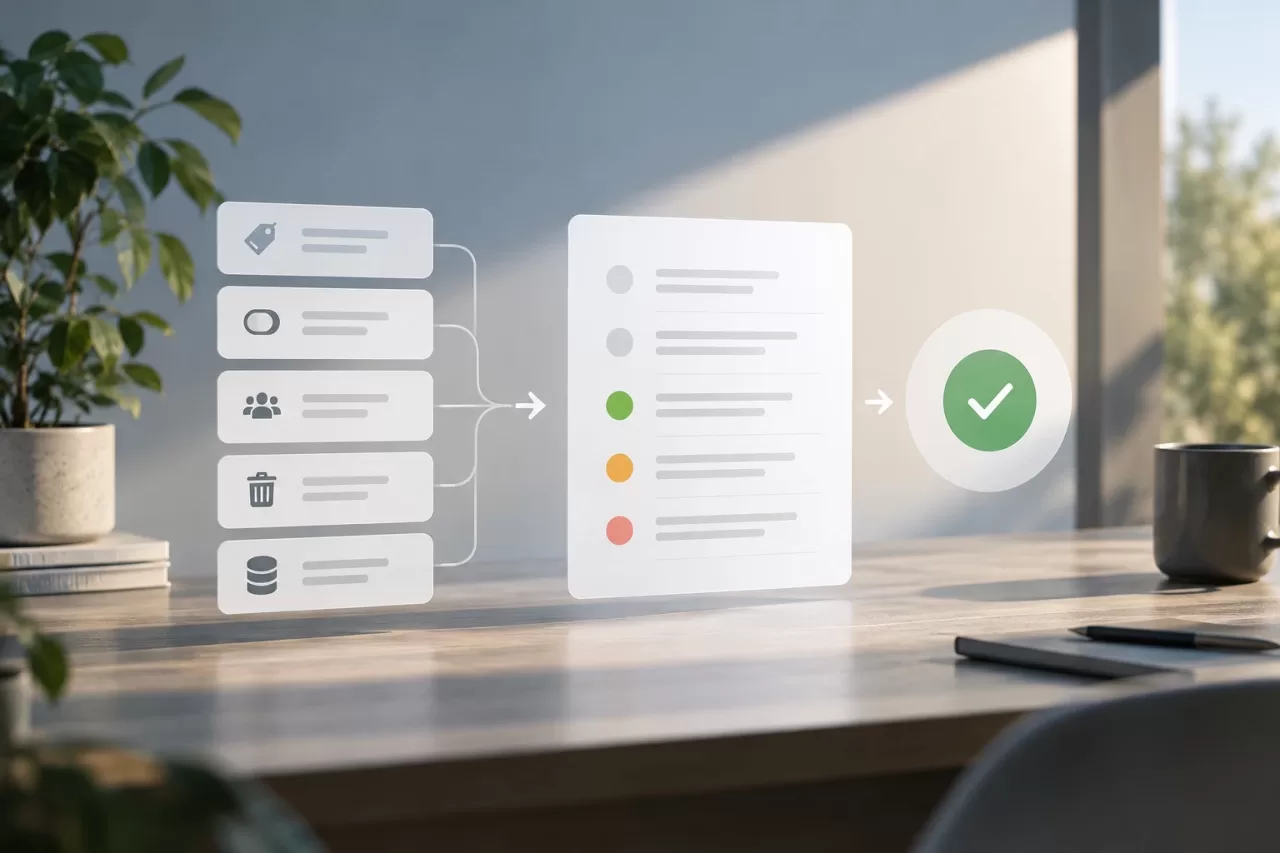
Consider a preview for bulk, sensitive, or difficult-to-reverse operations: updating prices, changing statuses, reassigning accounts, deleting information, or recalculating derived data. It is also useful when the person initiating the task needs to review its impact or obtain approval before executing it.
Not every action needs a preview interface. If an operation is small, reversible, and has an unambiguous outcome, a contextual confirmation may be enough. By contrast, if the user cannot tell what confirming means, the problem calls for showing specific data, not adding another dialog box.
A preview also does not replace a backup, a rollback mechanism, or an approval policy. If an error could have serious consequences, consider additional controls, such as approval by another person, a gradual rollout, or a tested recovery process.
Separate calculation from application
The business rule should be able to calculate a proposal without modifying the database. A practical approach is to share the selection and calculation logic between two modes: one that describes the change and another that applies it. Avoiding two independent implementations reduces the risk that the preview and execution interpret the rules differently.
For each affected item, the proposal may include:
- An identifier that makes it possible to recognize the record.
- The relevant current values and the expected values.
- The reason it is included or excluded.
- The validations performed and conflicts detected.
- The scope of the operation, such as filters, account, or time range.
For example, an operation to change the status of orders can show the current status, the proposed status, and the reason each order is eligible. If there are too many items to display all of them on screen, you can provide totals and a sample, as long as you clearly explain what is being shown and allow users to inspect or export the details when necessary.
In PHP, it is a good idea to encapsulate selection and calculation in components with clearly defined responsibilities. A domain service can produce proposed changes; another component can present them; and an application route can validate and persist them. The preview should not indirectly perform a write as a side effect of reading.
Validate data, permissions, and scope
A useful proposal explains not only what would change, but why it can be changed. Validate business conditions against the current data and check that the user has permission to view and execute the operation. Permission to view records does not necessarily imply permission to modify them.
The scope should be explicit. If the action depends on filters, a selection, or a file upload, record those parameters in an understandable way and communicate limits, exclusions, and errors. Prevent a broad search or an omitted filter from accidentally turning a limited action into a global modification.
You should also point out what cannot be predicted with certainty. The preview does not automatically anticipate changes made by other processes, rules that run in external systems, or side effects that depend on the future state. If there are integrations, queues, or subsequent calculations, describe those effects separately and do not present them as part of the confirmed result.
Prevent applying a stale proposal
A preview represents the data at a specific point in time. If the data changes before execution, an order may no longer meet the conditions, a user may lose permissions, or another process may update a record. For that reason, the displayed result should not be treated as permanent authorization to write.
When executing, recheck the conditions that determine eligibility and permissions. Depending on the case, you can compare a record version, timestamp, or relevant values with those observed when the proposal was calculated. If there are discrepancies, do not silently apply a different decision: report the conflict and ask the user to generate a new preview or resolve it explicitly.
For processes that require a strict match, retain a reference to the proposal and validate that the application is still using its scope and rules. A transaction can protect a set of writes from intermediate failures, but it does not by itself eliminate the time between preview and execution. The concurrency strategy should match the risk and volume of the operation.
Execute in batches and record results
For large volumes, applying everything in a single operation can increase lock time and make recovery more difficult. Set batch limits appropriate to the database and the application's behavior. If partial failures occur, the user should be able to distinguish between records that were applied, skipped, and require review.
Record enough information to investigate the outcome: who initiated and approved the operation, when it was prepared and executed, what scope was requested, how many items were processed, and what errors occurred. Avoid storing personal data or sensitive values unnecessarily; audit logs must also comply with applicable access and retention controls.
If the operation is retried, consider idempotency: repeating a request should not duplicate unexpected effects. An operation ID and execution states can help identify repeated requests and distinguish preparation, approval, execution, and completion. Do not present deploying the code as equivalent to releasing or enabling the operation: these are separate decisions and should have their own controls.
Test that the preview does not modify data
Tests should verify both the calculation and the absence of writes in preview mode. Use representative data to verify inclusions, exclusions, current and proposed values, insufficient permissions, and failed validations.
Also check that execution applies the expected proposal and that concurrent changes produce the defined behavior. Test failures within a batch, retries, and integration errors where relevant. Integration tests with the database are important: a unit test of the calculation does not prove that a preview route has no side effects.
Edge cases should include empty filters, large volumes, and records deleted or modified between phases, as well as users with different access scopes. It is also a good idea to verify that the interface does not claim “exactly these items will be updated” if the application will recalculate the set at execution time.
Checklist for deciding which controls are needed

- Does the operation affect many records, have effects that are difficult to reverse, or require approval?
- Are the scope, affected items, and current and expected values shown?
- Is previewing separate from writes and their side effects?
- Are permissions, business rules, and data validated both during preparation and execution?
- Are relevant changes made between the two phases detected?
- Are there batch limits, defined handling for partial failures, and appropriate audit logs?
- Do tests confirm that previewing does not modify data and that execution follows the validated result?
A preview is appropriate when it helps people make an informed decision and its limitations are clear. If a reliable estimate of the impact cannot be provided, it is preferable to reduce the scope, run the operation first in a controlled environment, or require an additional review rather than turn a number or partial list into a promise about the outcome.