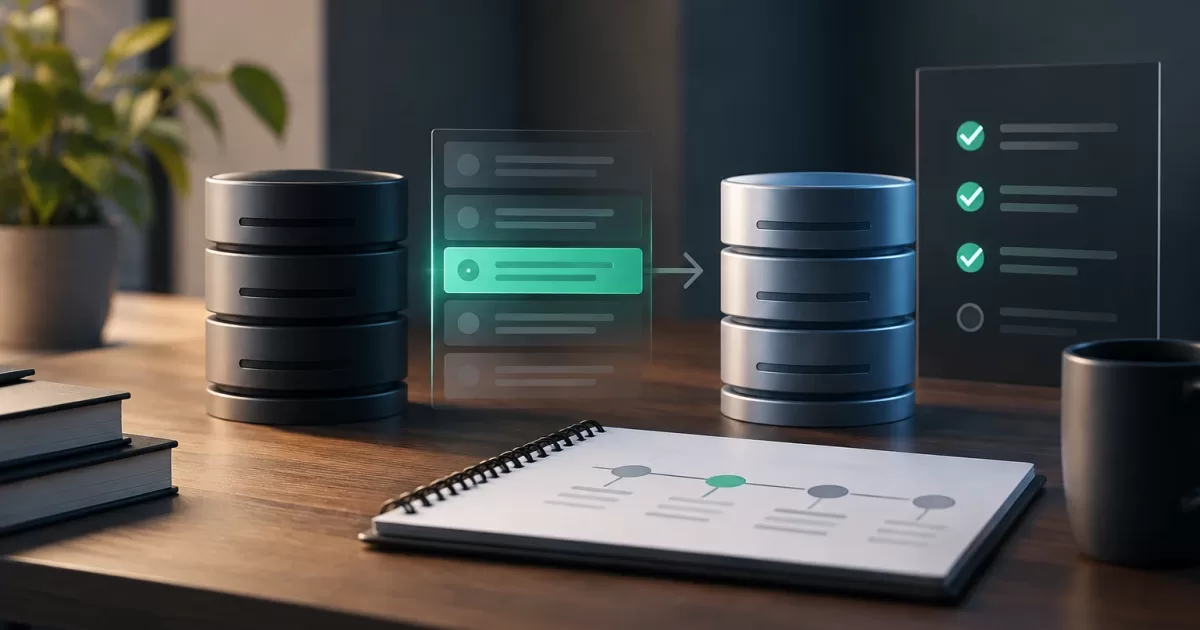
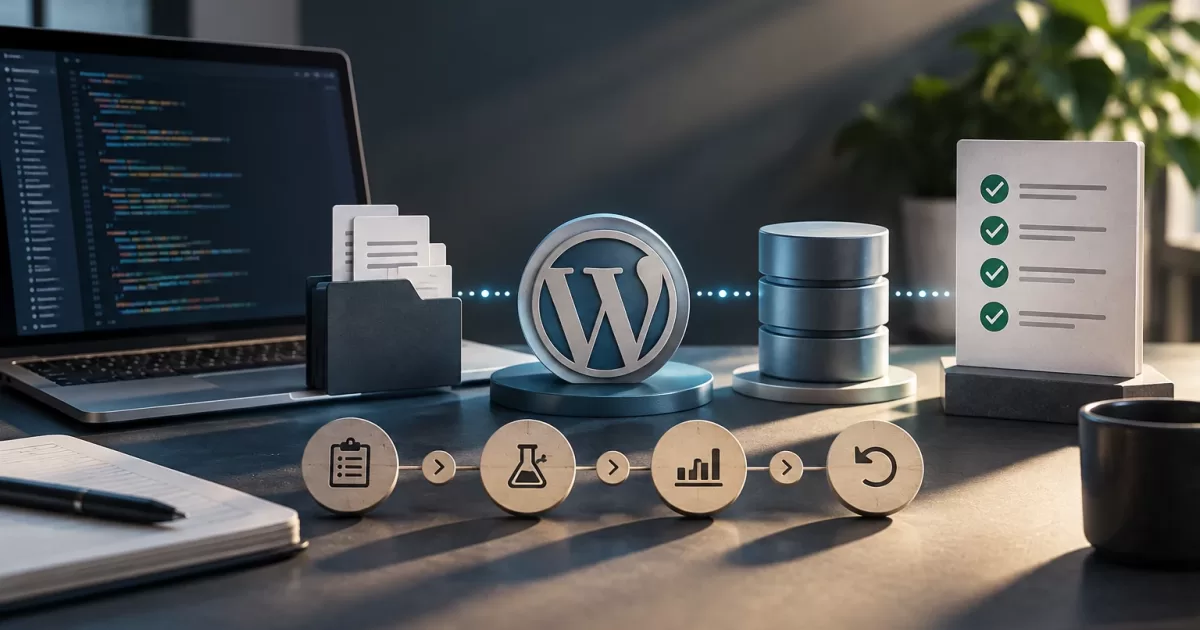
A WordPress deployment can change more than the files in a release. A plugin update or custom development can also create tables, modify options, transform records, or change how existing data is interpreted. If the code and database end up in incompatible states, the site can fail even if the file copy appears complete.
Managing a WordPress deployment with database changes requires treating each modification according to its impact and reversibility. The goal is not just to release code: it is to ensure a controlled transition, check critical workflows, and know what to do if the new version does not work as expected.
Why restoring files does not always restore the site
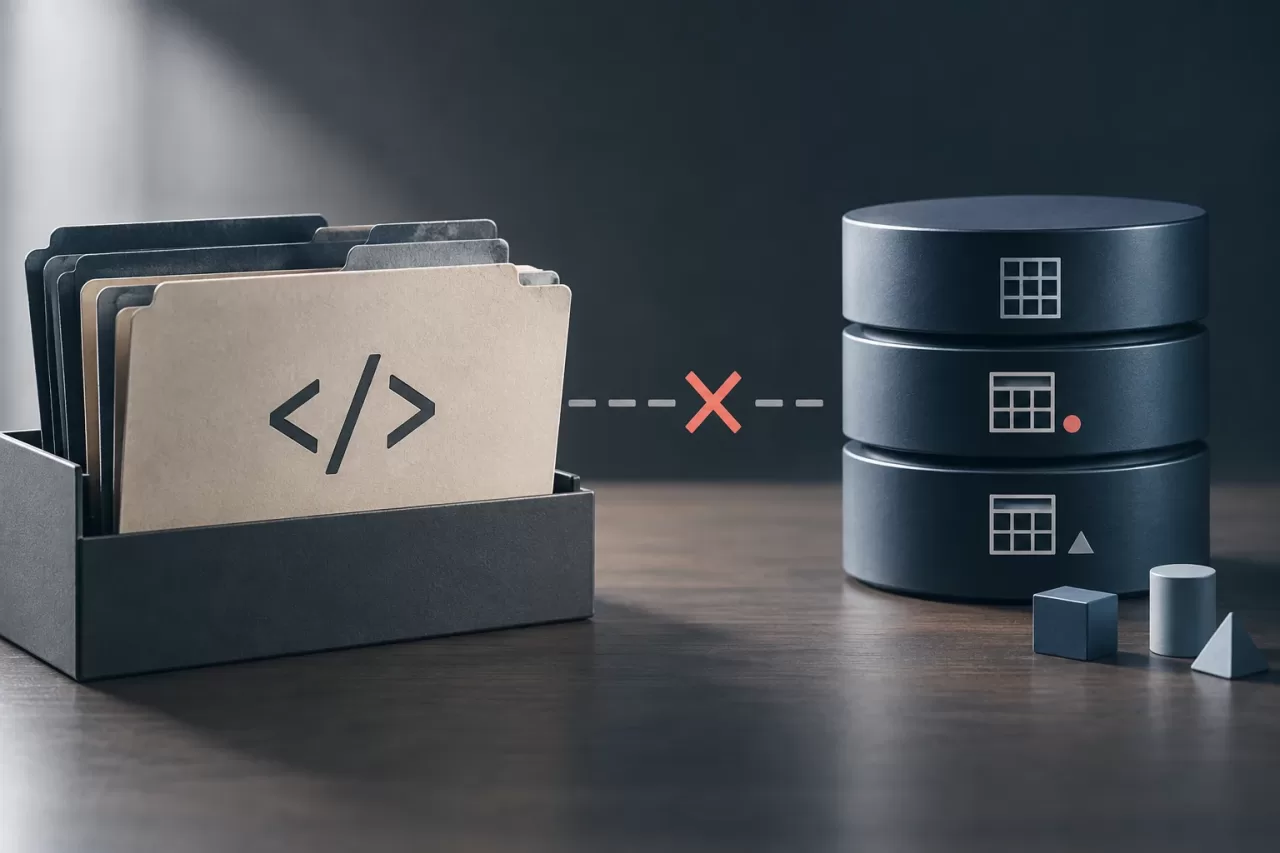
The code performs operations on the database, but it does not necessarily contain the database’s current state. If a new version creates a table or changes the format of a value, reverting to the previous files does not undo those changes. The old code may not recognize the new schema, or the site may have received data that the previous version cannot process.
The reverse can also happen: restoring an older database while keeping the new files can leave the system in an inconsistent state. In WooCommerce, for example, orders and other operational data may continue changing during and after deployment. Restoring a previous database backup could erase legitimate operations performed since that backup was taken.
That is why it is useful to distinguish between a code rollback, which returns the files to a previous version; data repair, which corrects specific changes; and a restore, which recovers a backup. These are not equivalent actions, and they do not have the same cost or impact.
Inventory changes and dependencies before release
Before deploying, record what is changing and where it resides. A useful list separates four categories:
- Code: themes, plugins, custom code, scheduled tasks, and dependencies.
- Schema: tables, columns, indexes, or other structures that are created, modified, or removed.
- Data: records that are inserted, updated, transformed, or deleted, including options and metadata.
- Configuration and content: environment-specific values, credentials, rules, pages, or settings managed through the admin dashboard.
Document who runs each migration, when it runs, and whether it is safe to repeat. Check whether it is triggered automatically when a plugin is updated or requires a command, a manual task, or an administrative action. Also identify dependencies: which code version requires the new structure and which processes write to the affected tables.
In WordPress, some configuration may reside in the database and differ between production and testing environments. Do not assume that copying a database from one environment to another is harmless. Likewise, serialized data or data stored as options may require a transformation that is compatible with its format, not indiscriminate text replacement.
Design a compatible, gradual sequence
When the change allows it, use an expand-and-contract strategy. First, add structures that are compatible with the current version; then deploy code that can work with both the old and new states; next, migrate the data and validate the result. Only once the new version is stable should obsolete columns, paths, or structures that are no longer needed be removed.
This sequence reduces the risk that a file rollback will leave the site without a structure expected by the previous code. Not all modifications can be handled this way: a destructive transformation or incompatible change may require a maintenance window, blocking writes, or specific steps from the plugin provider. The decision depends on the operation, data volume, expected duration, and ability to keep the service running.
Avoid combining code changes, migrations, and irreversible cleanup in a single operation without checkpoints. If a task takes a long time or fails partway through, it must be possible to determine which steps completed. Define how to resume it safely, how to prevent duplicate execution, and who authorizes continuing. For staged deployments, confirm that the coexisting versions can operate on the shared database.
Test in a representative environment
A test environment is valuable if it reproduces the relevant conditions: PHP and WordPress versions, plugins, integrations, configuration, and data types. It does not have to copy all real data, but it must allow testing of the affected paths. If you use production data, protect personal information and restrict access; a copy must be treated with the same precautions as the source.
Rehearse the migration and measure its duration using a reasonably representative amount of data. Check what happens if it is interrupted and whether it can be repeated without duplicating records or losing information. Then validate, at a minimum, reading and writing the affected data and the relevant business workflows: purchase, payment, confirmation, order management, or synchronization with external systems, as applicable.
Include tests for compatibility, permissions, scheduled tasks, and integration errors. A page that loads does not prove that the purchase flow works. If you cannot reproduce an integration in testing, define an alternative check and assign someone to perform it after release.
Define post-deployment signals
Before starting, establish what a successful deployment means and how long it will be monitored. Signals should correspond to the identified risks, not just check whether the server responds. They may include:
- PHP errors, application logs, and scheduled task failures.
- Migration results: expected structure, counts, or consistency of affected records.
- Read and write operations and execution of critical workflows.
- Status of payments, webhooks, synchronizations, and other integrations involved.
- Usual business indicators, compared with their expected behavior in that context.
Assign people to review these signals and set thresholds for pausing or rolling back. If an error increases, first identify whether it affects the application, integration, or data; an alert without a response procedure is not enough to control risk.
Prepare recovery and decide whether to authorize

The plan must state what can be safely rolled back and what requires repair or restoration. Verify that backups exist and can be restored; an untested backup is not an operational guarantee. Define the recovery point, the procedure’s dependencies, and the impact of discarding legitimate changes made after the backup. For an active store, consider how to preserve orders and operations received during the intervention.
Before release, agree on who makes the decision, who executes it, and who validates the result. Authorize the deployment only if the migration has been rehearsed, dependencies are identified, checks have owners, and recovery is viable. Pause if there are doubts about compatibility between versions, if a critical test fails, or if ongoing activity cannot be protected. Roll back code when that is sufficient to restore compatibility; repair data when the problem is contained; restore only when you know which subsequent changes would be lost.
Go-live checklist: complete inventory; verified backup; defined sequence and window; approved tests; assigned signals and owners; and explicit criteria for continuing, pausing, or recovering. This discipline turns a database change into a controlled operation, rather than a bet that the old files will be enough.