
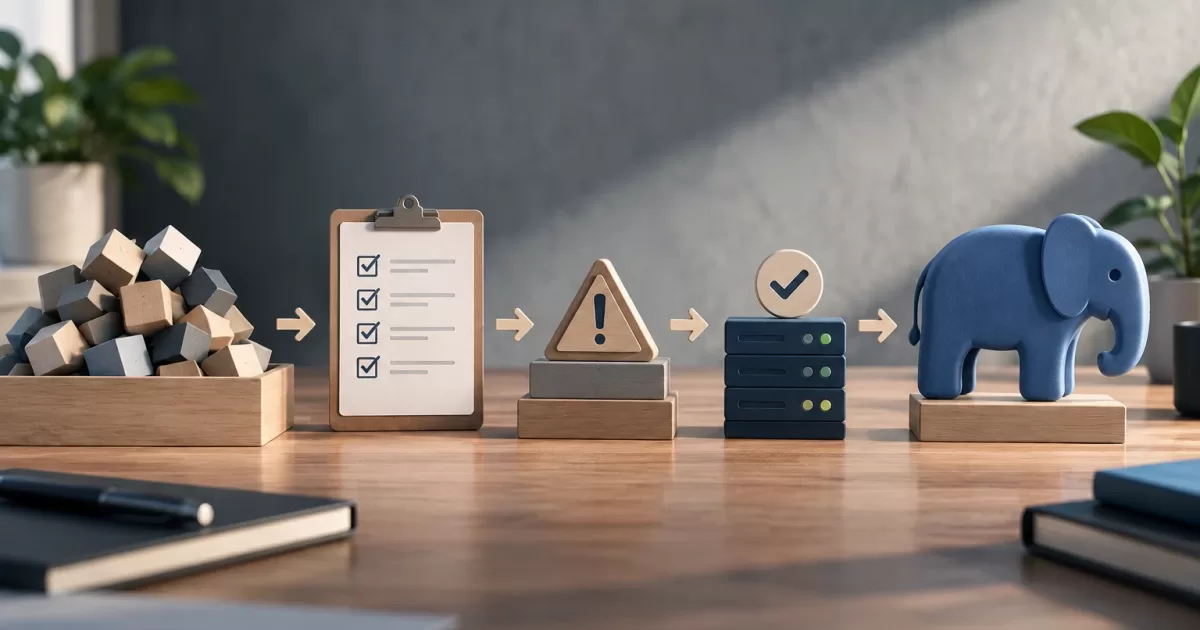
Upgrading the PHP version in an existing application is about more than changing the container image or server configuration. The runtime interacts with the code, extensions, Composer libraries, and processes that run scheduled tasks or background jobs. A change can affect any of those components, even if the application appears to work normally during a manual test.
The way to reduce uncertainty is to treat the upgrade as a compatibility change: inventory what runs, look for incompatibilities, validate representative paths, and decide in advance how to determine whether the deployment should continue or be rolled back. The goal is to isolate the work required for the new runtime, not turn the upgrade into a rewrite of the product.
The runtime is part of application compatibility

A PHP version determines which syntax the interpreter supports and how certain functions and types behave. It also determines which versions of extensions and dependencies can be installed. That is why the fact that the code worked in the current environment does not prove it will work in the new one: a function, interface, type behavior, or extension availability could change.
It helps to distinguish three areas: application code, third-party dependencies, and environment configuration. If all three are changed at once, it is harder to attribute a failure. A planned upgrade separates these changes wherever feasible and makes explicit which component introduced each adjustment.
Inventory the runtime, dependencies, and processes
Before changing anything, record the actual runtime environment, not just the one described by the project configuration file. Check the PHP version in the containers or servers that handle requests and in those that run scheduled tasks, queue consumers, and maintenance commands. Those processes may use different images, variables, or extensions.
- Runtime and extensions: identify enabled extensions, their versions where relevant, and the system libraries they depend on. Compare production, CI, and development requirements.
- Composer dependencies: review
composer.json, the lock file, and the PHP version constraints declared by packages. Also check development tools such as analyzers and test runners. - Configuration: inventory
php.inivalues, memory and execution-time limits, error configuration, and server-specific settings. A new runtime does not guarantee that relevant settings have been preserved. - Work outside web requests: include cron, queues, console commands, imports, exports, and long-running tasks. A successful web path does not automatically validate these flows.
- Integrations and data: note external services, exchanged formats, and writes to databases or storage. This helps identify which operations need special attention during a rollback.
The inventory can be a list maintained in the repository or in the operations documentation, as long as it allows you to compare environments and detect discrepancies. A common sign of an incomplete inventory is that CI passes, but a worker or scheduled task fails after deployment.
Look for incompatibilities using multiple signals
Start with automated tools: review Composer platform requirements and run a dependency check with the target PHP version. A resolution conflict indicates that a package, including a development tool, does not declare compatibility with that platform. Do not force installation to hide the conflict without understanding which requirement is being bypassed.
Complement this analysis with the static analysis and style or compatibility testing tools available in the project. They can flag suspicious usage, deprecated APIs, or patterns that merit review, but they do not by themselves prove that the entire application works. Likewise, a clean analysis does not replace actual execution: some errors appear only when an unusual branch is taken or an extension is loaded.
Run the tests with the target runtime and the extensions expected in production. If the test suite is limited, add manual or automated checks for the highest-impact flows: authentication, write operations, payments if applicable, document generation, and essential integrations. Also capture errors and warnings; a change that turns a warning into an exception can interrupt a path before the suite detects it.
Sequence the work to isolate risk
A practical sequence is to first confirm the candidate image or configuration and its extensions, then resolve dependency constraints, and finally fix the code and settings that prevent the tests from running. Keep each group of changes reviewable. If a library needs to be upgraded, document which requirement necessitates the change and test the areas of the application that use it.
Avoid indiscriminately upgrading all dependencies as part of the same step. A broad upgrade may be necessary, but it increases the number of possible causes if a regression occurs. If the changes cannot be separated, record which packages changed and add tests targeted at the features that depend on them. Also make sure the lock file is generated and installed consistently between CI and production.
The configuration should reflect the actual target environment. Validating with an extension installed only in CI produces a misleading signal; the same is true if background tasks continue to run on the previous runtime. Compare images, startup commands, variables, and configuration between the test and production environments before attributing a result to the code.
Validate in a representative environment and define the exit criteria
CI should run installation, analysis, and tests with the target runtime, not just the current one. Add separate jobs for other runtimes only if the application must maintain a compatibility window; in that case, each supported combination needs explicit validation. A CI matrix can show which combinations are tested, but it does not automatically cover production-specific details.
Use a staging environment that is sufficiently similar to production to check startup, critical paths, integrations, queues, and scheduled tasks. Review logs, errors, response times, and resource consumption before and after. Define in advance what behavior would stop the deployment, who makes that decision, and how long the system will be monitored. Thresholds should be based on the application's needs and available signals, not generic values.
A useful set of exit criteria includes: reproducible installation, the agreed test suite passing, critical flows verified, no unexplained new errors, and the ability to operate background processes. Record known exceptions and their owners. “The tests pass” is not enough if the suite does not cover an essential integration or the team does not know which metric to monitor.
Deploy with a rollback that is compatible with the data
If the architecture and platform allow it, expose the new runtime gradually: first in a controlled environment, then to a portion of the traffic or execution capacity. Gradual exposure is a deployment strategy, not information disclosure. It is not always possible to split requests between versions—for example, when there are stateful processes or differences in the internal protocol. In that case, plan a coordinated transition and explicitly check message consumers and producers.
Before deploying, verify that the previous code can run again if something fails. A rollback is not just restoring an image: a database migration, a new message format, or an incompatible write may prevent the previous runtime from reading data created by the new one. Prefer staged, backward-compatible schema changes: expand first, deploy code that can work with both forms, and remove the old one when no consumers need it. For each irreversible step, define a specific recovery plan and a stop decision.
During deployment, monitor application and runtime errors, worker failures, queue lag, scheduled tasks, and relevant business signals. If a rollback criterion is triggered, stop expanding the change and follow the tested procedure. Keep the logs needed to determine the cause; rolling back without diagnosing the issue may cause the same failure to recur on the next attempt.
Checklist for deciding whether the upgrade is ready

- Have the runtime and extensions for all environments and processes been identified?
- Have Composer constraints and development tools been reviewed?
- Are analysis and tests running with the target configuration?
- Have critical paths, integrations, queues, and scheduled tasks been tested?
- Are the differences between CI, staging, and production known?
- Are there operational signals, responsible owners, and clear criteria for continuing or stopping?
- Can the previous code work with the data and messages the new version will produce?
- Has the rollback been rehearsed, and is it clear which changes cannot be undone automatically?
The decision to upgrade the PHP version in an existing application is more robust when the team can answer these questions with evidence. If tests or an inventory are missing, the next step does not have to be a rewrite: it can be to close those gaps first and reduce the scope of the change. That way, potential failures are detected before they affect users, and every deployment decision has a verifiable criterion.