Updating a store is not the same as pressing a maintenance button. The WordPress core, WooCommerce, extensions, theme, custom code, and integrations form a system with dependencies. An apparently minor change can alter taxes, prevent a payment, duplicate a webhook, or stop a stock synchronization task.
For this reason, updating WordPress and WooCommerce safely requires treating each maintenance window as an operational change: knowing what changes, which business flows may be affected, who makes decisions, and how to recover a working state if validation fails.
Build an inventory before changing anything

The inventory must describe the actual configuration that supports operations and make it possible to reconstruct the starting point. Record current and target versions, the source of each component, the owner, and the reason for the change.
- Platform: PHP version, web server, database, WordPress, WooCommerce, and relevant cache configuration.
- Extensions: active and inactive plugins, especially payments, shipping, taxes, subscriptions, bookings, invoicing, security, and performance.
- Presentation: active theme, child theme, overridden WooCommerce templates, and customizations in the Customizer or visual builder.
- Custom code: internal plugins, snippets, mu-plugins, commands, and integrations. Direct modifications must be identified, documented, and, where possible, moved into maintainable code; specifically assess their effect before the change.
- External systems: payment gateways, ERP, CRM, logistics, email, search engines, analytics, and catalog APIs.
- Asynchronous processes: cron, action queues, imports, exports, feeds, and webhooks.
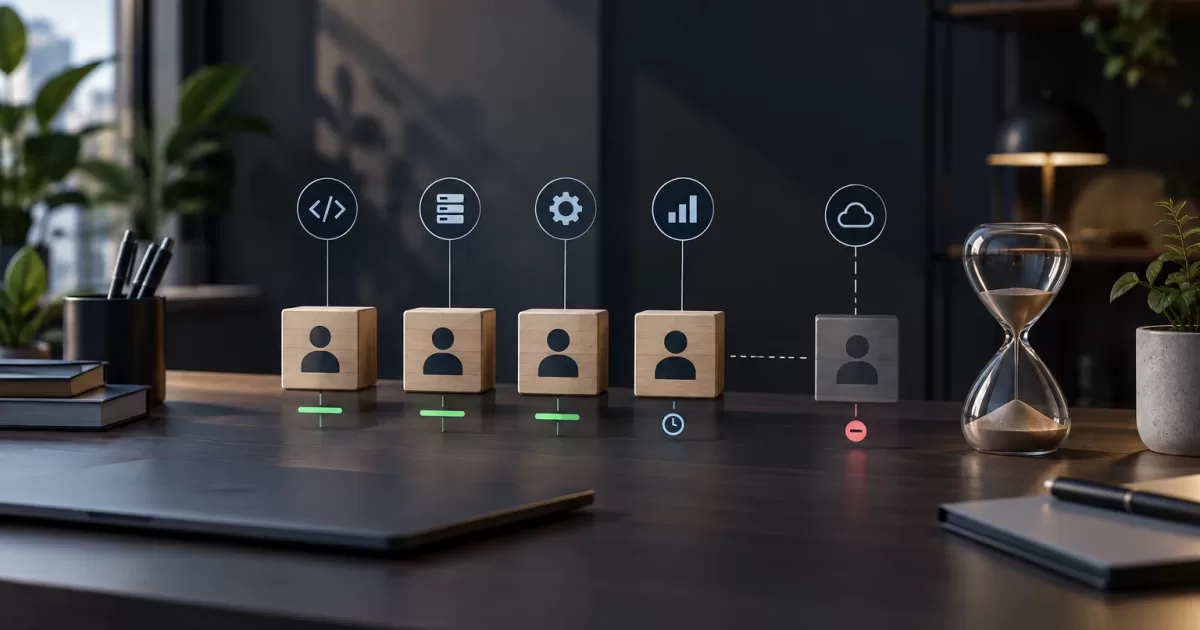
Add a dependency matrix. A payment gateway may depend on the provider's API, checkout fields, and custom fraud rules. If it fails, the impact is not visual: it can block revenue or create orders with incorrect statuses.
Classify risk and define scope
Not all changes warrant the same procedure. Assess each update based on component criticality, declared compatibility, impact on orders, and ease of rollback.
- High risk: core, WooCommerce, gateways, checkout, taxes, subscriptions, stock synchronization, data migrations, and PHP changes.
- Medium risk: theme, page builders, shipping, promotions, search, cache, and non-critical integrations.
- Low risk: isolated administration settings or extensions outside the purchase flow, provided they do not share sensitive dependencies.
Reversibility requires its own assessment. Disabling an extension may be simple, but a migration that creates tables or transforms metadata cannot always be reversed by restoring old files. Identify which data it modifies and how to recover the previous state.
Limit the scope of the maintenance window to isolate causes, but do not apply a fixed order by default. The sequence between infrastructure, PHP, WordPress, WooCommerce, extensions, and theme must be decided using a compatibility matrix and the release notes for each component. Some combinations require updating a dependency first; others require temporarily keeping specific versions or running a migration in a documented order. Group only components whose compatibility has been verified, and validate after each group.
Reproduce critical flows in a representative environment
A useful test environment resembles production in the elements that affect behavior: PHP, database, WordPress configuration, active extensions, theme, cache, cron, and non-secret integration configuration. It does not need to copy personal data to be representative.
Use anonymized or synthetic data, and replace sensitive credentials, keys, and endpoints with test configurations when providers offer them. A clone without controls can send real emails, invoices, webhooks, or notifications.
Turn the business into observable test cases
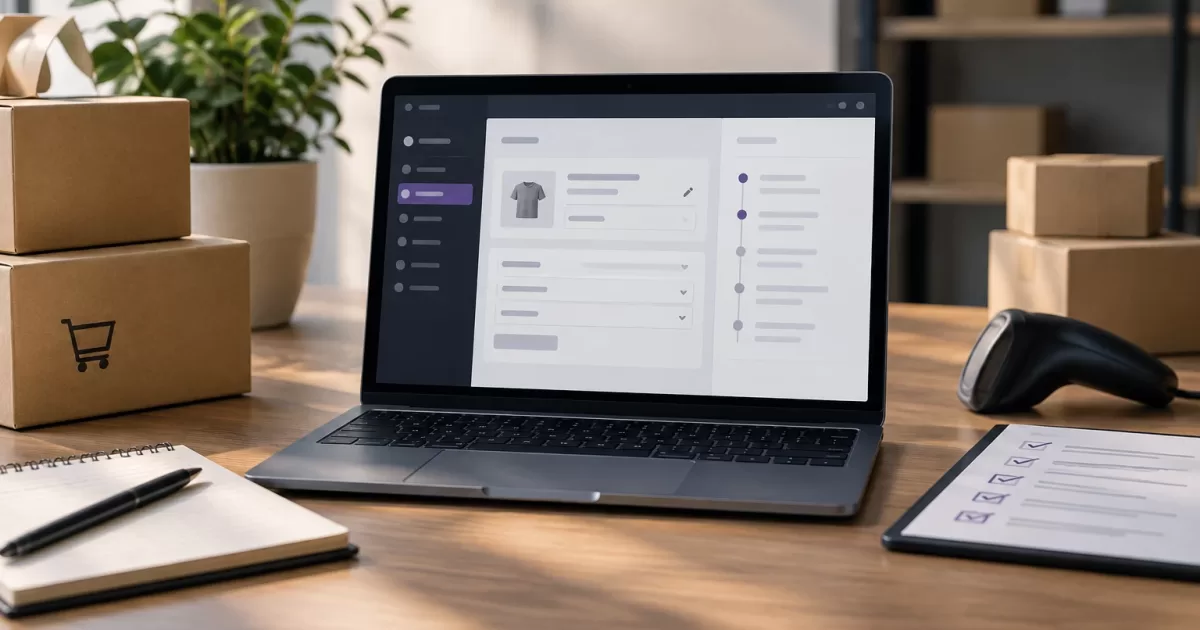
Testing must not end with checking that the homepage loads. Define flows with an initial condition, steps, expected result, and evidence. Prioritize variants that reflect actual sales rules:
- Browse categories, search for products, and open product pages with correct variations, prices, discounts, and taxes.
- Add, modify, and remove products from the cart; apply coupons and check promotions or shipping thresholds.
- Complete checkout with each relevant gateway, shipping method, and customer type, using mechanisms authorized by each provider.
- Verify order creation and status, stock reduction or reservation, documents, and transactional communications.
- Process a cancellation, refund, or return if they are part of operations.
- Check external synchronizations and ensure webhooks are neither duplicated nor held up.
Include technical tests: PHP errors, WordPress and WooCommerce logs, pending or failed scheduled actions, API responses, critical page timings, and cache. A store may accept an order while silently failing to send it to the ERP; the complete flow matters more than an isolated screen.
Execute the deployment with controls and traceability
Deployment moves the change to production; release makes it functionally available to users. They may coincide, but separating both decisions helps when a feature supports gradual rollout.
Before starting, announce the maintenance window, name the person executing the change and the person authorizing whether to proceed or stop. Create a copy of files and the database, but do not consider it a rollback plan until you verify that it is complete, recoverable, and can be restored in a controlled environment.
Record the time, component, previous and new version, actions performed, and the result of each validation. If the change affects payments or order data, consider pausing automated processes that could worsen an inconsistency, only if you know how to resume them and reconcile pending items.
After each block, run a smoke test: essential pages, cart, test checkout, administration, order creation, and logs. Then maintain heightened monitoring of orders, errors, queues, webhooks, and payment provider alerts.
Detect incompatibilities without affecting customers
Incompatibilities do not always produce a blank screen. They can appear as missing fields, outdated templates, incorrect calculations, duplicate processes, or deprecated function warnings. Compare templates overridden by the theme with those expected by WooCommerce and review compatibility notices, without assuming they replace testing.
When a failure occurs, do not add more changes. Confirm that it is reproducible, review logs around the time of the error, identify the last component changed, and compare the result in testing. Indiscriminately disabling extensions in production can hide the problem and remove necessary functionality.
The question is not whether an update appears compatible, but whether the flows that create, process, and communicate orders continue to deliver the expected result.
Fragile customizations often depend on hooks, internal structures, undocumented fields, or templates copied long ago. A critical business rule, such as shipping eligibility or order validation, is more maintainable in version-controlled custom code, with tests and clear owners, than scattered across snippets, plugin options, and theme changes.
Decide whether to proceed, postpone, or roll back
Define the criteria before opening the maintenance window. Proceed when critical tests pass, there are no relevant new errors, queues work, and integrations respond as expected. Stop the change if checkout, payment, order creation, stock, an essential communication fails, or an unexplained data migration appears.
Rollback is an operation, not an intention. Determine the restore point, responsible parties, maximum diagnosis time, and internal communication channel. If orders were created during the incident, restoring an old copy can delete valid information. Identify in advance the orders, payments, refunds, and synchronizations that will require reconciliation.
Reusable checklist

- Inventory, compatibility matrix, release notes, and risk documented.
- Representative test environment and critical cases executed without unnecessary sensitive data.
- Verifiable copy and known restoration procedure.
- Owners, maintenance window, go-ahead criteria, and stop conditions agreed.
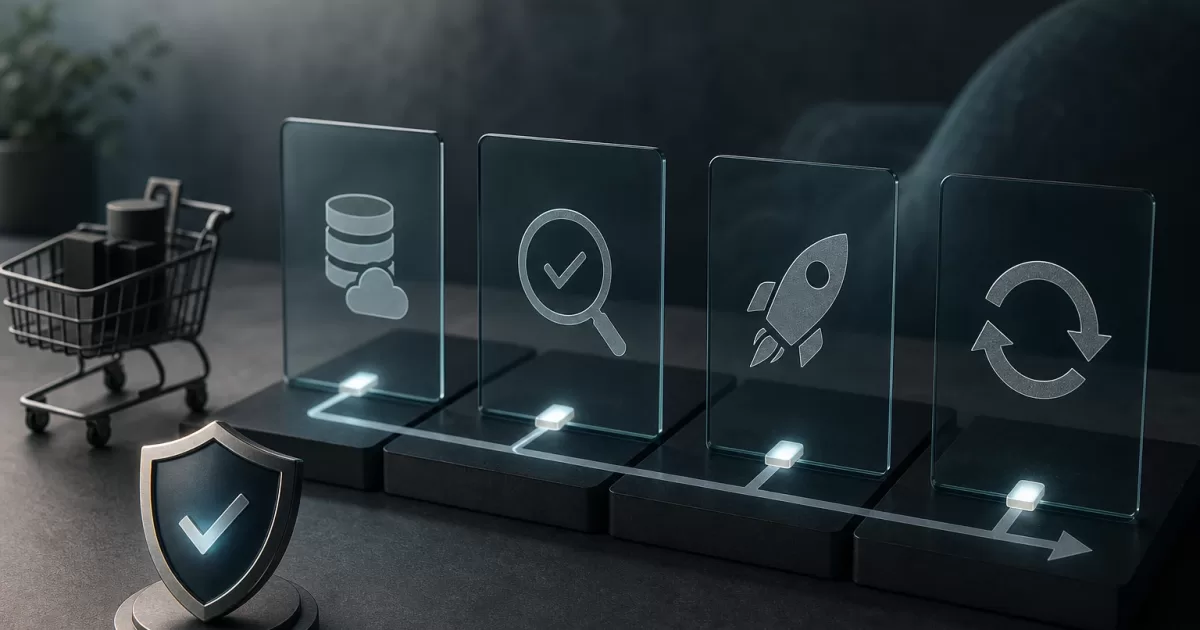
- Update by compatible groups, with versions and results recorded.
- Smoke test and monitoring of logs, orders, queues, webhooks, and payments.
- Reconciliation plan prepared for affected transactions or synchronizations.
This protocol does not eliminate the uncertainty of an extensible ecosystem, but it turns it into observable and reversible decisions. The goal is to keep the store secure and able to evolve without using customers as a testing team.